11 Service Area Business Profile Strategies That Win the Local Pack in 2026
Last updated November 22, 2026
Service area businesses face unique challenges when competing for the local pack without a physical storefront. This list covers 11 verified strategies from Google's own guidelines and established workflows built specifically for mobile service providers.
Table of contents
- 1. Hide your residential address to comply with Google Business Profile policies.
- 2. Define your service area using specific cities or zip codes rather than a mile radius.
- 3. Record a proper 5 shot verification video to avoid rejection.
- 4. Choose a primary category that matches the specific high-intent service you perform.
- 5. Enable missed call text back to capture leads when you're on a job.
- 6. Request reviews daily to build a steady velocity that signals a healthy business.
- 7. Align your website homepage with your Google Business Profile keywords.
- 8. Complete every service description field to build topical relevance.
- 9. Post weekly updates with a clear call to action button.
- 10. Drip feed real job site photos to maintain profile activity.
- 11. Seed your Q&A section with common customer hurdles.
- How to Turn Profile Views Into Booked Jobs
- Expect a 90 Day Recalibration Before You See Movement
- Get Your Profile Audited and Prioritize What Matters Most
- Frequently asked questions
1. Hide your residential address to comply with Google Business Profile policies.
If you serve customers at their locations and don't have a staffed office, you must leave the address field blank. Toggle the 'Show business address to customers' setting to off to avoid immediate profile suspension. Google uses your verification address for internal radius calculations even when it's hidden from the public, so the location you verify at still matters for proximity ranking even if searchers never see it.
The temptation to list a home office can be strong, especially when you see competitors with visible addresses. Resist it. Google's policies are clear: if you don't meet customers at that address, it stays hidden. A visible residential address violates the guidelines and puts your entire profile at risk. The algorithm understands that service area businesses operate differently, and hiding your address is the compliant way to tell Google you're mobile. WolfPack Advising confirms that the verification address still anchors your radius, so choose a central location in your best service territory.
2. Define your service area using specific cities or zip codes rather than a mile radius.
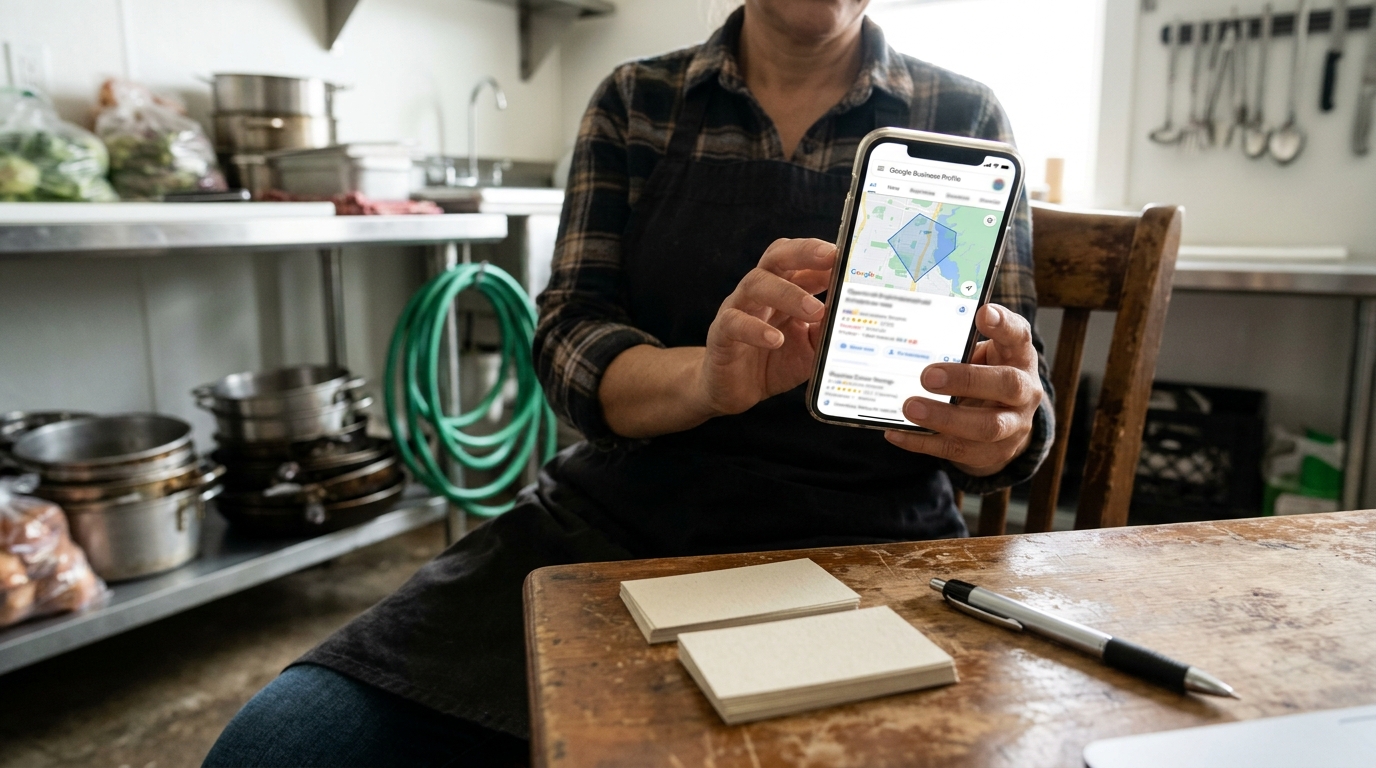
Select specific geographic areas like Escondido, San Marcos or Vista to tell Google exactly where you operate. Limit your total reach to a 2 hour driving radius or approximately 100 miles from your base. Avoid adding more than 20 service areas, as overly broad profiles often suffer from diluted ranking power. Google treats a broad mile radius as vague, but named cities signal real intent and local knowledge.
List individual cities and Google can match your profile to searchers in those areas more precisely. A 50 mile radius sounds efficient, but it spreads your relevance thin and makes it harder to rank in any single city. Instead, pick the 10 to 15 cities where you do most of your work and list them by name. This tells the algorithm exactly where you're committed. WolfPack Advising notes that overstretched service areas reduce your odds of appearing in the local pack for any one search, so keep your focus tight and your areas genuinely serviceable.
3. Record a proper 5 shot verification video to avoid rejection.
Show your street signs, your branded vehicle and your specialized tools in one continuous shot. If you work from home, show your business license or registration that matches the address used for verification. Your video needs to clearly prove you're a legitimate business operating in the service area you claimed. Google's video verification process is strict because it's designed to weed out fake listings, so your first attempt needs to be thorough.
We use a specific 5 shot video framework to help service area businesses pass Google's strict video verification requirements on the first attempt. Film your street signs, then your vehicle with clear branding, then specialized tools, then your workspace, and finally a document that ties you to the verification address. Keep the shot continuous, with no edits. The reviewer needs to see that all five elements exist at the same location in one unbroken sequence. If your business is home based, your license or utility bill becomes the proof that you operate there. Expect a review period of 3 to 7 business days once submitted.
4. Choose a primary category that matches the specific high-intent service you perform.
The primary category carries the most weight for local pack rankings, so pick the one that matches your most profitable job. Audit top 3 competitors in your city to see which primary category they use for your target keyword. Only add secondary categories if they represent distinct services you actually provide to avoid confusing the search algorithm. The difference between 'Plumber' and 'Contractor' may seem small, but the first is specific and the second is generic.
Google uses your primary category as the strongest signal to decide which searches should show your profile. If you do emergency plumbing repairs and choose 'General Contractor', you'll rank for the wrong jobs and miss the calls you want. Look at the businesses in positions 1 through 3 on Google Maps for your best search term, check their categories, and match or beat their relevance. WolfPack Advising emphasizes that primary category alignment is non-negotiable: it's your strongest ranking lever, so treat it like the foundation of your entire profile.
5. Enable missed call text back to capture leads when you're on a job.
Use a tracked phone number on your profile to monitor which calls come specifically from Google Maps. Automate an instant welcome text for any call you can't answer immediately. This prevents potential customers from calling the next competitor in the local pack. You can't always pick up when you're under a sink or on a roof. The first business that responds wins, and a text back buys you time.
Launch GBP uses Launch CRM to turn Google Maps calls into booked jobs automatically via missed call text back, which you can configure under Settings > Phone System in HighLevel. The system sends a friendly message within seconds, letting the caller know you received their call and you'll follow up shortly. That instant acknowledgment keeps them engaged instead of scrolling down to call someone else. Pair this with a tracked number so you know exactly how many leads your profile generates, and you can measure the return on every optimization you make.
6. Request reviews daily to build a steady velocity that signals a healthy business.
Send 2 to 5 review requests per day via text or email to past customers at the moment the job is completed. Maintain a consistent flow of reviews instead of getting 50 at once and then none for three months. Always reply to every review to show both Google and potential customers that you're active and engaged. Review velocity matters more than total count when you're climbing from position 7 to position 3.
Use the Reputation settings in Launch CRM to send direct links after a job is closed, which keeps your request process compliant with Google's policies. Set your campaign to drip requests steadily, not in bursts. Google's algorithm watches for unnatural spikes, and a sudden flood of reviews can look suspicious. A steady pace proves ongoing activity, and replying to each review reinforces that signal. Never gate reviews by filtering happy customers to Google and unhappy ones to private feedback (that violates Google's guidelines and risks suspension).
7. Align your website homepage with your Google Business Profile keywords.
Your website H1 tag and meta descriptions need to include the same primary service and city used in your profile. Embed LocalBusiness schema on your site to provide Google with structured data about your service area. Make sure the Name, Address and Phone number on your site exactly match your profile data. When your website and your profile tell the same story, Google treats both as more credible.
Our system aligns your website's H1 and meta tags specifically with your GBP keywords to strengthen the ranking connection and improve how search engines understand your location and services. If your profile says 'Emergency Plumber in Escondido' and your homepage H1 says 'Affordable Home Services', you've created a disconnect. Google sees two different messages and ranks you lower for both. LocalBusiness schema adds structured data that makes your service area, phone number and operating hours machine-readable. For more on how website alignment supports your Google Maps visibility, see the advantages of local SEO for service businesses.
8. Complete every service description field to build topical relevance.
Fill out the 750 character business description using natural language that mentions your core services and primary service cities. Add every individual service you offer and write a unique description for each one to help Google understand your niche. Use the 'Services' section to explicitly list offerings like 'Emergency Plumbing' or 'Roof Leak Repair' that might not be in your category name. These descriptions give Google more context about what you do and help match your profile to long-tail search queries.
Write each service description in plain language that answers what you do, how you do it, and where you serve. Avoid keyword stuffing, but include the terms customers actually use when they search. A roofer might list 'Tile Roof Leak Repair', 'Flat Roof Installation', and 'Storm Damage Inspection' as separate services. Each description should be at least one full sentence. The more complete your profile, the more search queries you can match. According to WolfPack Advising, detailed service lists help Google understand your niche and improve your chances of ranking for specific, high-intent searches.
9. Post weekly updates with a clear call to action button.
Create at least one Google post every 1 to 2 days for maximum visibility. Include a 'Book' or 'Call' button on every post to turn views into immediate leads. Use real photos in your posts rather than graphic designs or flyers to increase engagement rates. You can schedule these inside HighLevel using Marketing > Social Planner to maintain consistent activity even during busy service weeks. Posts expire after seven days, so regular activity keeps your profile fresh in both user feeds and Google's ranking algorithm.
Each post should be 100 to 300 words, include a job site photo or a picture of your team, and end with a specific call to action. For example, 'We just finished a water heater replacement in Vista. Call now for same-day service.' Posts appear in the local pack when users tap your business name, and they signal to Google that you're an active, engaged business. Consistent posting keeps you competitive against businesses that only update their profile once a quarter.
10. Drip feed real job site photos to maintain profile activity.
Aim for a minimum of 15 real photos per month rather than uploading a large batch once a year. Photos should show branded vehicles, equipment, and finished work at actual customer locations. Avoid using stock photography, as Google's AI can detect non-original images and may de-prioritize your profile. Fresh photos signal that your business is active, and they give potential customers a visual preview of your work quality before they call.
Take photos during every job and upload them within a few days. Show your truck at the job site, your team at work, and the finished result. Label each photo with a short description that includes the city where you worked: 'Roof repair completed in Escondido' or 'Emergency plumbing call in San Marcos.' This adds more geographic and service context to your profile. Photos get more views than any other section of your profile, so keep them recent, relevant, and professional. A steady drip of images beats a one-time dump because Google rewards ongoing activity over static profiles.
11. Seed your Q&A section with common customer hurdles.
Post and answer your own frequently asked questions about service areas, pricing, and availability. This adds more searchable content to your profile and helps pre-qualify leads before they call. Use this section to clarify that you're a mobile service and do not have a walk-in office. Answer questions like 'Do you serve my city?', 'What payment methods do you accept?', and 'Can you come out the same day?' before customers ask them.
The Q&A section is public, so anyone can post a question. If you don't seed it yourself, you'll get questions like 'Are you open?' or 'How much does it cost?' from competitors or confused searchers. By posting your own Q&A pairs, you control the narrative and provide answers that help close the sale. According to WolfPack Advising, this section is searchable and indexed, so the words you use here can help your profile match more queries. Check this section weekly and reply to any new questions within 24 hours to show you're responsive.
How to Turn Profile Views Into Booked Jobs
A complete profile means nothing if calls go unanswered and messages sit in an inbox you never check. Use a tracked phone number on your Google Business Profile so you know exactly which calls came from Maps versus your website or other sources. Set up missed call text back to send an instant welcome message to anyone who calls when you're on a ladder or under a sink. Connect your Google Business Profile messages to Launch CRM so every lead lands in one inbox with an automated follow up sequence that books the appointment for you.
These small automation steps turn your profile into a 24/7 lead capture system instead of a static listing. Someone messages you through Google at 9 PM? An automated reply can confirm you received their inquiry and promise a callback first thing in the morning. A call comes in during a job? Missed call text back replies instantly and keeps that lead warm. Every missed opportunity costs you a job, and service area businesses that automate their lead response book more work than those who rely on manual follow up.
Expect a 90 Day Recalibration Before You See Movement
Google does not update local pack rankings overnight. Patience is required for any service area business making major profile changes. The ranking algorithm recalibrates over about 90 days as it observes your review velocity, post consistency, and whether users click and call your profile. Most businesses see their biggest climb between months 4 and 6, once Google has enough signal to trust that your profile represents a real, active business. Do not change your primary category or service areas during this period, as each change resets part of the recalibration clock.
Track your position weekly using a geo grid tool that shows where you rank from different points inside your service area, not just from your home office. You might rank number 2 from the center of Escondido but number 8 from Vista, depending on how Google weighs proximity for that query. Ranking is a gradual climb, not a switch. Businesses that stick with consistent optimization for six months almost always outrank competitors who make a flurry of changes in week one and then abandon the work. The algorithm rewards sustained effort, not quick fixes.
Get Your Profile Audited and Prioritize What Matters Most
Most service area businesses have 10 to 15 fixable issues holding them back from the local pack, but not every issue carries equal weight. We provide a free Google Business Profile audit that ranks fixes by impact, so you know exactly what to do first (whether it's a category mismatch, missing service descriptions, or a website H1 that doesn't match your profile). The audit covers your business info consistency, primary and secondary categories, reviews and reply rate, photo and post activity, and whether your call button and appointment link work.
Call 760-253-1477 or visit our location at 405 W 9th Ave, Escondido, CA, 92025 to get started with a detailed review of your profile that shows you the exact steps to rank higher and get more calls. The audit takes about 30 minutes, and you'll walk away with a prioritized checklist that tells you which fixes deliver the fastest results. Most businesses waste months working on low-impact changes because they don't know which signals Google weighs most heavily. An audit removes the guesswork and gives you a roadmap that's specific to your market, your competitors, and your current profile status.
Frequently asked questions

Can a service area business with no storefront rank in Google Maps?
Yes, Google specifically allows service area profiles to rank in the local pack if they are properly verified and have strong local relevance. A service area business is a business that visits or delivers to customers directly but does not serve them at its business address. You must hide your address, define your service area, and pass video verification to compete fairly with businesses that have physical storefronts.
What is the best primary category for my Google Business Profile?
It should be the most specific category that matches your main service, such as 'Plumber' instead of 'Contractor'. The primary category is the strongest ranking signal for local pack placement, so choose the one that aligns with your highest revenue service. Audit the top 3 competitors in your area to see which primary category they use, then match or beat their relevance.
How do I verify my Google Business Profile with a video?
You must record a continuous video showing your location, business equipment, and proof of management like a branded vehicle or business license. The 5 shot framework includes street signs, your vehicle with branding, specialized tools, your workspace, and a document that proves you operate at the address you claimed. Submit the video through the Google Business Profile app when prompted, and expect a review period of 3 to 7 business days.
How often should I post on my Google Business Profile, and what should I post?
Aim for a minimum of once a week, but posting every 1 to 2 days is best for staying competitive in high-density areas. Each post should include a real photo from a recent job, a short update about a service or promotion, and a call to action button like 'Book' or 'Call'. Use the Social Planner in HighLevel to schedule posts in advance so you maintain consistency even during your busiest service weeks.
Why was my Google Business Profile suspended and how do I get it back?
Common reasons include changing your address too often, using a virtual office, or adding keywords to your business name that are not part of your legal name. To recover, submit a reinstatement request through the Google Business Profile support form with proof that you operate a legitimate business at the claimed address. Include your business license, a utility bill, a photo of your branded vehicle, and a letter explaining what you corrected.
Why isn't my business showing up in the Google Maps top 3?
It often comes down to lack of proximity, low review velocity, or a mismatched website H1 that does not align with your Google Business Profile keywords. The local pack is the section of Google Search results that shows the top three local business listings, and ranking there requires consistent signals across your profile, website, and citations. Check whether your primary category matches your most profitable service, whether you reply to every review, and whether you post at least once a week.
How do I get more Google reviews without breaking Google's rules?
Use the Reputation settings in Launch CRM to send direct links after a job is closed, which keeps your request process compliant with Google's policies. Send 2 to 5 review requests per day via text or email at the moment the customer is happiest, and always reply to every review you receive. Never gate reviews by asking happy customers to review you on Google and unhappy ones to contact you privately, as this violates Google's guidelines and can result in suspension.
How do I get more phone calls and booked jobs from my Google Business Profile?
Use a tracked phone number so you know which calls come from your profile, and enable missed call text back to respond instantly even when you are on a job. Connect your Google Business Profile messages to Launch CRM so every inquiry lands in one inbox with automated follow ups that book the appointment. Make sure your profile has a clear call button, an active booking link, and posts every 1 to 2 days that remind searchers you are available.
If you're ready to stop guessing and start ranking, we'll walk you through every fix your profile needs to compete in the local pack and turn views into booked jobs. Call 760-253-1477 today to schedule your free audit and get a prioritized action plan built for your market.

