Best Tools for SEO Optimization
Last updated November 26, 2026
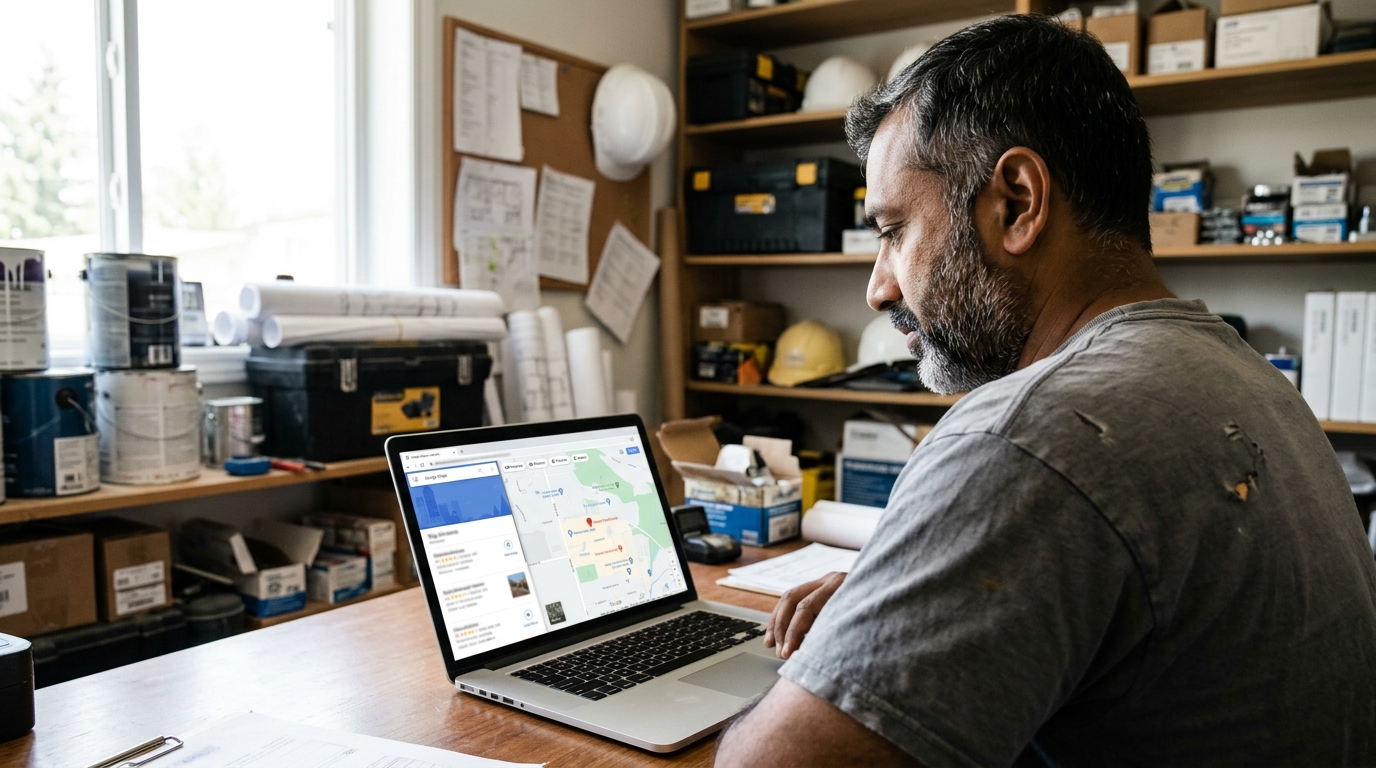
The best tools for SEO optimization are software systems that help businesses appear in search results through Google Business Profile management, rank tracking, technical site audits, and lead capture. For local service businesses, optimization tools focus on Maps visibility, review velocity, and call conversion rather than just website authority.
| Tool Type | Primary Function | Best For |
|---|---|---|
| Google Business Profile Manager | Edit categories, posts, photos, services | Local businesses needing Maps visibility |
| Geo-grid Rank Tracker | Track position from dozens of exact addresses | Service area businesses covering multiple neighborhoods |
| Review Management System | Send compliant review requests by text and email | Businesses needing steady review velocity |
| CRM with Call Tracking | Capture Google Maps calls and messages | Contractors who lose jobs to missed calls |
| Screaming Frog | Crawl site for broken links and technical errors | Any business with a website |
| Google Search Console | Monitor indexing, queries, and site errors | All websites |
Table of contents
- What SEO Optimization Tools Actually Do
- Google Business Profile Management Tools
- Rank Tracking and Position Monitoring
- Technical SEO Crawlers and Site Audits
- Keyword Research and Competitor Analysis
- CRM Integration and Lead Capture
- When Tools Don't Work: Limits and Risks
- Start with What Breaks First
- Frequently asked questions
What SEO Optimization Tools Actually Do
SEO optimization tools help businesses appear in search results by managing either website authority or local search visibility. General SEO software tracks keyword positions, analyzes backlinks, audits technical site health, and monitors competitors across organic results. Local SEO tools manage Google Business Profile information, track rankings by exact neighborhood, generate review requests, and capture leads from Google calls and messages.
The difference matters because local service businesses compete in Google Maps and the local pack, not just organic website results. A plumber who ranks #1 organically but sits at #9 in Maps gets fewer calls than the #3 Maps result with a mediocre website. We've built local SEO workflows inside HighLevel to understand what actually moves the needle for service businesses: the tools that touch the profile, not just the website.
You can begin improving your profile today by requesting a detailed audit that ranks every fix by impact.
Google Business Profile Management Tools
Google Business Profile optimization tools manage every field inside your profile: business name, categories, services, descriptions, attributes, hours, photos, posts, questions, and reviews. While general SEO software tracks your website, local tools update profile information that directly controls your Maps ranking.
The Reputation menu inside HighLevel includes GBP Optimization, where you can edit profile fields, schedule posts through the Marketing Social Planner, and generate review links in Reputation Settings. Post schedulers drip Google Business Profile posts and photos over time—weekly posts and about 15 photos per month keep the profile active without bulk uploads that look robotic.
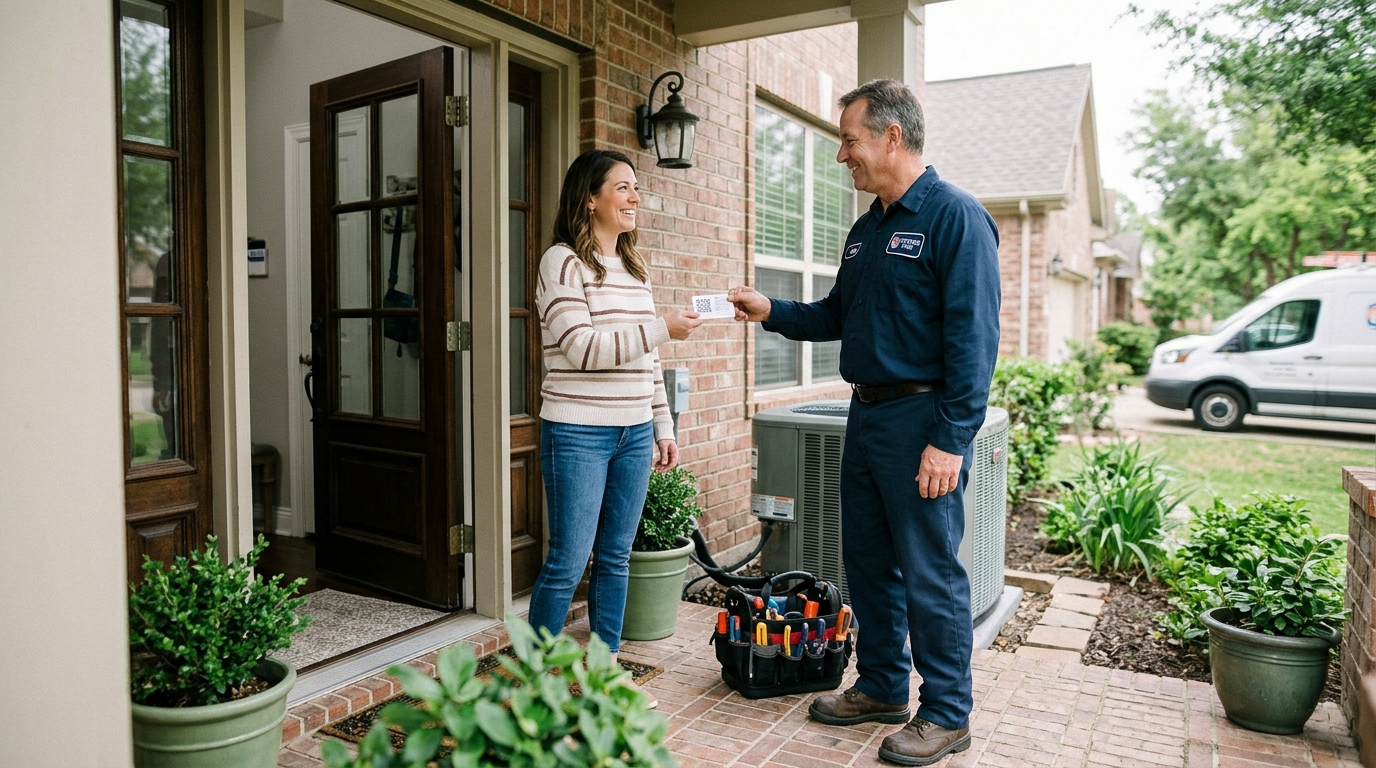
Review management systems send compliant review requests by text and email, usually 2 to 5 requests per day for past customers. They generate QR codes and NFC cards for technicians to hand out on the job, reply to every review automatically or with a template, and flag policy-breaking reviews so you can report them. Never use gating (filtering happy customers to Google and unhappy ones to a private form) because Google bans profiles for that violation.
When the right tools work together, you can see which features actually drive calls by studying how optimization tools connect to real business results.
Rank Tracking and Position Monitoring
Geo-grid rank trackers check your position from dozens or hundreds of exact addresses inside your service area. Generic city-level tracking might say you rank #5 in San Diego, but a geo-grid shows you rank #2 in Escondido, #8 in San Marcos, and #15 in Vista. That granularity tells you where to tighten your service radius and where to add more reviews.
SEMrush is a robust research tool used for tracking keyword positioning and competitor analysis. It shows which keywords your competitors rank for, where their backlinks come from, and which pages drive the most traffic.
Rank tracking tools can mislead if they sample from one location. A tool that checks your rank from downtown might show #3, but customers searching from 15 miles away see you at #9. Always use geo-grid tracking with at least 20 sample points across your service area.
Technical SEO Crawlers and Site Audits
Screaming Frog is a preferred crawler for identifying technical site issues like 404 and 302 redirects. It runs on your computer, crawls every page on your site in minutes, and exports a spreadsheet of broken links, missing meta descriptions, duplicate titles, and slow-loading images.
Google Search Console is the foundation of technical monitoring. It shows which pages Google indexes, which queries drive traffic, and where technical errors like 404 pages or mobile usability problems exist. Every business with a website should have it installed and check it monthly.
Copyscape is a primary tool for checking duplicate content or plagiarism on a website. If your service pages copy boilerplate text from a franchise template or a competitor, Google may filter your pages out of results entirely.
Local businesses with technical site problems see slower progress in both organic and local results, so fixing broken links and duplicate content matters even when your main goal is Maps visibility.
Keyword Research and Competitor Analysis
Google Keyword Planner remains necessary for keyword research even though it only provides exact match data. It tells you how many people search for 'emergency plumber' or 'roof repair' each month and how competitive those terms are.
Ahrefs specializes in backlink monitoring. It crawls the web to find every site linking to your domain and your competitors, tracks new and lost backlinks, and estimates the authority each link passes. Local businesses with weak backlink profiles see slower progress in both organic and local results.
Competitor category research helps you choose the right primary category. Search for your main service, look at the top 3 results in Maps, click into each profile, and see what category they chose. If you're a roofer and the top 3 all use 'Roofing contractor' but you chose 'General contractor,' you're not relevant for that search.
CRM Integration and Lead Capture
CRM integrations capture leads from Google Maps calls and messages. A tracked phone number on your profile shows which calls came from Google. Missed call text back automatically sends a text when you can't answer, so you don't lose the job to the next contractor who picks up.
Launch CRM, built on HighLevel, turns Google leads into a simple pipeline with follow-ups and a booking calendar. Inside HighLevel, go to Settings > Phone System > Missed Call Text Back and write a one-sentence reply like 'Got your call, still need help? Text back and I'll call you in 10 minutes.'
CRM integrations require clean phone routing. If your tracked Google number forwards to a cell phone that also takes personal calls, your missed call text back will fire for every call, not just business leads. Set up a dedicated business line or use call screening.
Turning raw data into actionable steps is where many businesses stall, so understanding how local SEO reporting translates into booked jobs is what separates effort from results.
When Tools Don't Work: Limits and Risks
Tools can't fix a suspended Google Business Profile. If your profile was suspended because you used a virtual office, stuffed keywords into your business name, or gated reviews, no amount of software will restore it. You need a proof package with photos, business licenses, and a factual appeal that addresses the specific violation.
Service area businesses with no storefront face tighter verification. Google requires a 5-shot verification video: exterior signage with your business name, interior workspace with branded materials, staff at work, vehicles with your logo, and you speaking your business name and address on camera. No tool automates that. You have to film it yourself and upload it through the Google Business Profile app.
Automated review requests can backfire when timed wrong. Send the link 24 to 48 hours after project completion, not before the job is done, to capture the customer at their happiest moment.
Expect about 90 days to recalibrate after implementing new tools, with meaningful movement in months 4 to 6. Local pack ranking is slow and cumulative, so patience matters as much as software.
Start with What Breaks First
Most local businesses don't need every tool on day one. Start with the free audit that reviews your business info, categories, reviews, photos, posts, and call functionality, then ranks the fixes by impact.
If the audit shows broken NAP (name, address, phone), inconsistent citations, or a weak primary category, those are your highest priority. Fix them before spending on paid rank trackers or review software.
If the audit shows low review velocity, set up a compliant review request system. Use Reputation Settings inside HighLevel to generate review links and QR codes, then send requests by text 24 to 48 hours after every completed job.
If you're losing Google Maps calls because you can't answer immediately, set up missed call text back with a simple template that invites the customer to text back.
If your profile isn't verified or was suspended, follow the 5-shot verification video framework: film your storefront, your workspace, your team, your vehicles, and yourself stating your exact business name and address. Upload through the Google Business Profile app.
Once the basics are fixed, layer in geo-grid rank tracking to see where you're weak and where you're strong, then focus new reviews and posts on the weak neighborhoods. Call 760-253-1477 or visit https://launchgbp.com/ to get your free audit and a ranked list of fixes.
Frequently asked questions
What are the best SEO tools for local businesses?
The best SEO tools for local businesses are Google Business Profile optimization software, geo-grid rank trackers, review management systems, and CRM integrations that capture Google Maps calls. Local businesses should prioritize tools that manage profile information, track rankings by exact neighborhood, send compliant review requests, and turn missed calls into booked jobs. General SEO tools like Google Search Console and Screaming Frog still matter for fixing technical site issues, but they don't directly improve your position in the Maps top 3.
Which SEO tools help with Google Business Profile optimization?
Tools that help with Google Business Profile optimization manage categories, services, descriptions, attributes, posts, photos, questions, and reviews inside the profile. HighLevel (the platform behind Launch CRM) includes GBP Optimization under the Reputation menu, where you can edit profile fields, schedule posts through the Marketing Social Planner, and generate review links in Reputation Settings. Look for tools that drip photos over time, post weekly, and reply to every review, because bulk uploads and dormant profiles hurt prominence.
What tools do I need for local SEO?
You need Google Business Profile management software, a geo-grid rank tracker, a review request system, and a CRM with missed call text back for Google leads. You also need Google Search Console to monitor your website, Screaming Frog to find technical site issues, and a tool like Google Keyword Planner to research local service keywords. Start with a free Google Business Profile audit to see which fixes matter most before spending on paid software.
How do I verify my Google Business Profile with a video?
To verify your Google Business Profile with a video, use the 5-shot verification video framework: film your storefront with signage, your interior workspace with branded materials, staff at work, vehicles with your logo, and yourself speaking your business name and address on camera. Upload the video through the Google Business Profile app when prompted to verify by video. Service area businesses with no storefront face tighter verification requirements, so showing branded vehicles and real workspace is critical.
Can a service area business with no storefront rank in Google Maps?
Yes, a service area business with no storefront can rank in Google Maps if you hide your address, define tight service areas by city, and verify using the 5-shot video framework. Google requires proof that you operate from a real address even if customers don't visit: show your workspace, branded vehicles, and team on camera. Service area businesses often struggle with verification, so prepare your video evidence carefully before requesting verification.
How do I get more Google reviews without breaking Google's rules?
To get more Google reviews without breaking Google's rules, send compliant review requests by text or email 24 to 48 hours after project completion, with a direct link to your Google review form. Never use review gating (filtering happy customers to Google and unhappy ones to a private form). Google bans profiles for that. Use QR codes and NFC cards on the job so technicians can hand them to customers, and aim for steady velocity of 2 to 5 requests per day, not bursts.
Why was my Google Business Profile suspended and how do I get it back?
Your Google Business Profile was likely suspended because you used a virtual office or PO box, stuffed keywords into your business name, gated reviews, or violated another guideline in Google's terms. To get it back, prepare a proof package with photos of your storefront or workspace, business licenses, branded vehicles, and a factual appeal that addresses the specific violation Google cited. No tool can automate a suspension appeal. You have to submit the proof manually through the Google Business Profile support form and wait for human review.

